- The register by lunchtime
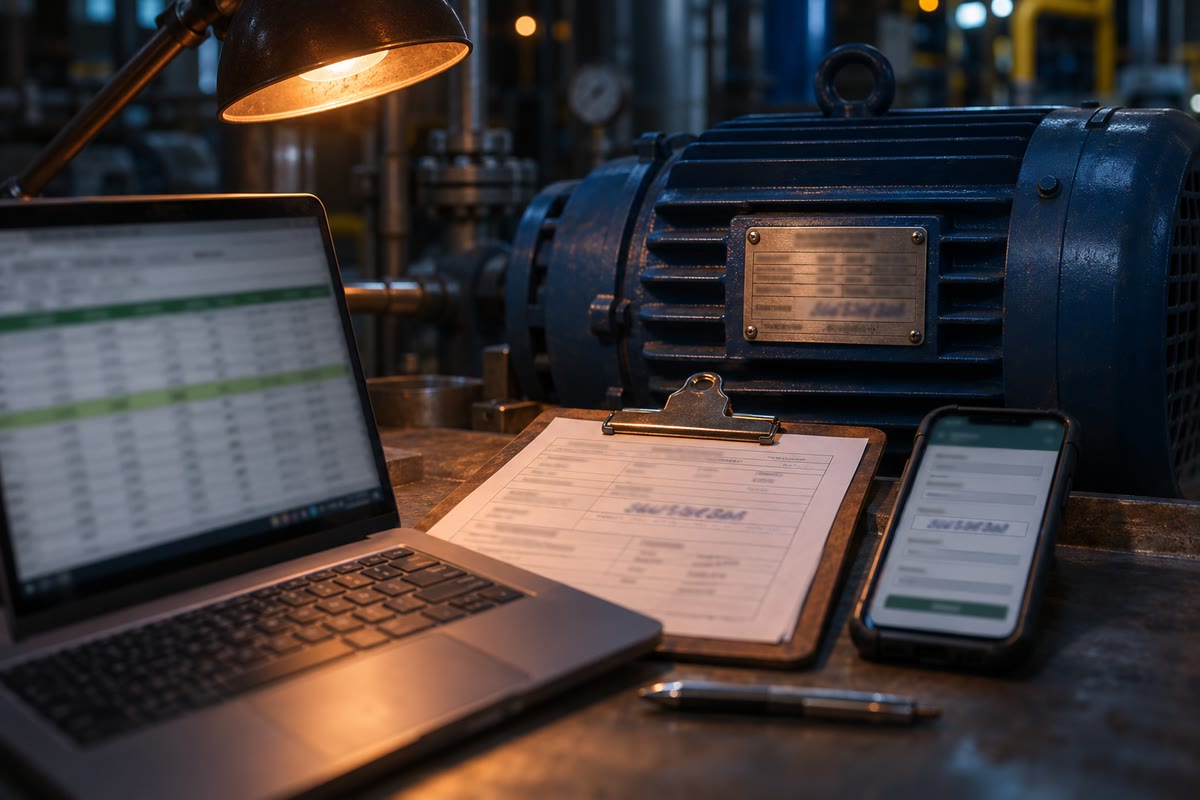
- Paste the equipment list as an indented outline and Rowsys turns it into a tree in one step. Each line is matched to an asset type, so every asset arrives with its specification sheet ready to fill. Save a pump set once as an assembly and drop it in wherever it occurs. Or give an AI assistant the P&ID: it proposes the outline, matches each item to your asset types and lists anything it could not read with confidence.
- The whole project’s paperwork in one run
- A rule says every asset of this type gets this template. Preview the run, then create every required document across the project. Run it again after adding assets and only the missing documents are created, never duplicates. A project overview shows asset types against templates, so gaps in coverage are obvious.
- The right work in the right order
- Group documents into a sequence: installation checks before energisation, energisation before functional tests. Staff see what is ready and what is waiting. Starting something early shows a warning. Build a sequence for one system and copy it to every other system of the same type.
- Completed at the equipment
- Technicians open the document for the asset in front of them, on a phone or tablet, with its details already filled in. They record readings, mark steps pass, fail or not applicable, take photographs and sign on screen. A reading outside its limit is flagged in red on screen and in the PDF.
- A failed step becomes a deviation on the spot
- When a step fails, Rowsys asks what it needs: a task, an issue or a deviation raised on the document and the exact step. The follow-up is pre-filled with the asset, the step, the answer and the location, and stays linked to the document.
- Captured once
- The technician records the installed serial number during the inspection and the register is updated. A nameplate check fills in manufacturer, model and rating. Every inspection leaves the register more complete than it found it.
- Version control that respects work already done
- Every document remembers the template version it was created on. Publish a new version and Rowsys shows how many documents are untouched, in progress or complete. You choose what happens: leave everything, move the not-started documents, supersede the in-progress ones or require completed ones to be re-executed. A superseded document is kept, marked and linked to its replacement with the reason.
- Records fit to hand to a client
- Each finished document is a PDF with a cover page, contents, a revision history and a sign-off record printed in it. Certificates and datasheets are pulled in from the asset’s files as appendices. Watermarks follow status: DRAFT until complete, SUPERSEDED once replaced. An archive format (PDF/A) is available for long-term retention.

 After hours